AION 2 runs on Unreal Engine 5, which means your PC can have a rough time once the game starts throwing large numbers of characters, effects, shadows, and lighting calculations at it. The good news is that you don’t need to drag every option down to Low just to get playable performance.
In fact, some Low settings barely improve performance compared with Medium while making AION 2 look dramatically worse. The trick is knowing which options actually cost frames and which ones are mostly harmless if your hardware has enough VRAM.
Here’s the setup I’d start with for a balanced image and stable performance.
Best AION 2 Graphics Settings
| Setting | Recommended Option | Why |
|---|---|---|
| Display Mode | Full Screen | Generally better for performance. Borderless is fine if you frequently alt-tab. |
| Resolution | Native | Use your monitor’s native resolution. DLSS can provide additional FPS when needed. |
| Resolution Scale | 100% | Keep it at native unless you genuinely need more FPS. Don’t combine reduced resolution scale with DLSS. |
| VSync | Off | Adds input latency. Turn it on if screen tearing bothers you and you’re not using VRR. |
| FPS Limit | Stable Target | A stable cap is preferable to constantly fluctuating FPS. A 120 Hz display can still work well with a 60 or 90 FPS cap. |
| Texture Quality | High | Has little performance impact as long as your GPU has enough VRAM. |
| Model Quality | Medium/High | Use High on stronger PCs; Medium can help during large PvP battles. |
| View Distance Quality | High | Particularly useful for open-world content and Abyss PvP. |
| Large Battle Quality | High | Keeps important players and battlefield information visible. |
| Shadow Quality | Low/Medium | One of the easiest settings to reduce when you need extra FPS. |
| Global Illumination / Shading | Low/Medium | Looks good but can be expensive. |
| Effects Quality | Medium | A good compromise between visual effects and combat readability. |
| Other Player Effects | Self/Party | Full effects can be expensive unless you’re using a high-end PC. |
| Reflection Quality | Very Low/Low | Reflections look nice but can consume a lot of FPS during combat. |
| Foliage Quality | Medium | Going lower can make the world look noticeably worse for relatively little benefit. |
| Cloud Quality | Normal | Very High isn’t worth the performance hit. |
| Post-Processing Quality | Very Low/Low | Reduces effects such as bloom, vignetting, and chromatic aberration. |
| Ambient Occlusion | Low/NCAO | Pick the lighter option when available to save performance. |
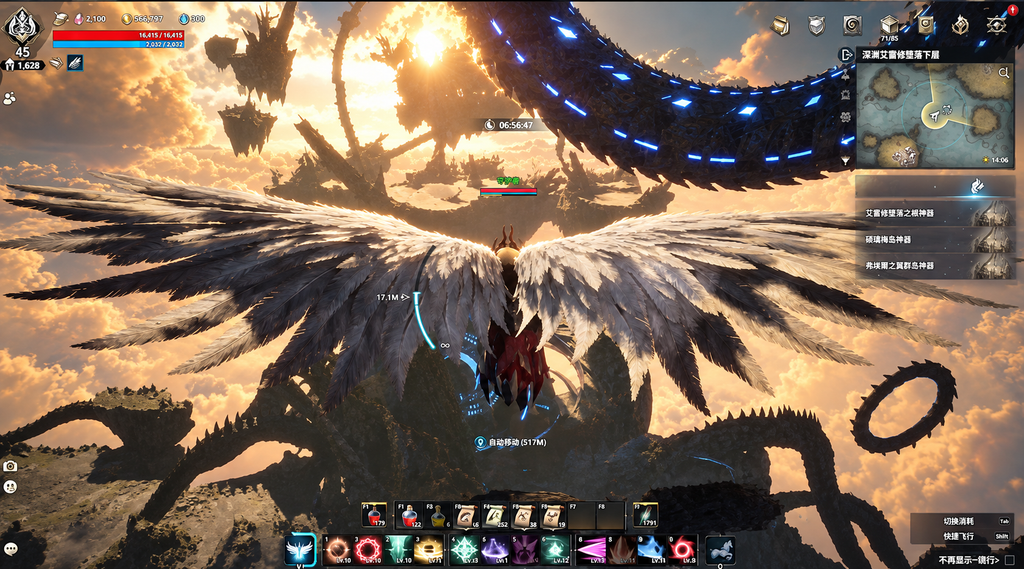
| Motion Blur | Off | AION 2 already has plenty of movement, especially while flying. Turn it on only if the image feels too jittery. |
| Depth of Field | Off | Adds visual blur without helping gameplay readability. |
| Camera Shake | Off | Makes boss mechanics and PvP easier to see. |
| Same Appearance for Other Players | On in Abyss | Reduces the workload from loading everyone’s armor and cosmetics during large fights. |
| NVIDIA DLSS | Quality / Balanced | Quality works well at 1080p, while Balanced is a useful choice at 1440p. Performance can be considered at 4K. |
| Frame Generation | Off for PvP | Useful for PvE, but actual FPS and latency matter more in competitive content. |
| NVIDIA Reflex | On/Boost | On is sufficient for most players. Boost can help when the GPU is under heavy load. |
The first thing I’d experiment with is DLSS or FSR. A recent updates added DLSS 4.5 and FSR 4, giving players newer upscaling options with the potential for a cleaner image and less blur.
If you still need more performance, don’t start randomly turning everything down. Focus on the expensive settings first:
- Shadows
- Global Illumination/Shading
- Reflections
- Other Player Effects
- Foliage
- Post-Processing
There is also one AION 2 setting that deserves special attention: Same Appearance for Other Players.
This option was added as an Abyss performance solution. Instead of loading the individual armor and cosmetic appearances of players outside your party, the game uses standardized character appearances. That’s particularly useful when you’re surrounded by a huge number of players.
And Abyss can absolutely punish a PC.
If large-scale fights are causing your FPS to collapse, turn this option on before you start sacrificing image quality everywhere else.
Should You Use Frame Generation?
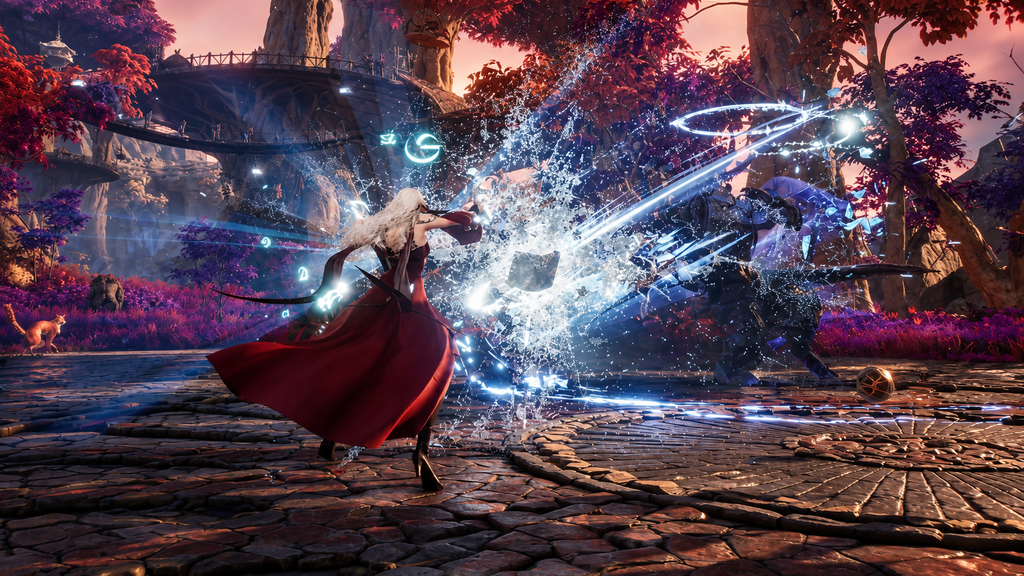
For PvE, Frame Generation can make AION 2 feel noticeably smoother. PvP is a different story.
If you’re playing content where input latency matters, I’d leave it disabled and prioritize the game’s actual frame rate instead.
There’s an important catch with Frame Generation: it doesn’t create the same thing as genuine rendered FPS. If your system is struggling to maintain more than 60 FPS, Frame Generation isn’t going to magically solve the underlying performance problem.
The source guidance estimates that Frame Generation can cost roughly 20–30% of performance. So if the game is actually rendering around 40 FPS, seeing an 80 FPS counter doesn’t mean your inputs suddenly behave like native 80 FPS gameplay.
Newer Frame Generation options have reduced the latency problem considerably, making the experience more comfortable than earlier implementations. Even so, the basic rule remains simple:
Get your real FPS into a healthy range first. Then consider Frame Generation.
Turning 35 real FPS into a much larger number on the counter doesn’t fix the performance bottleneck underneath.
How to Get More FPS in AION 2
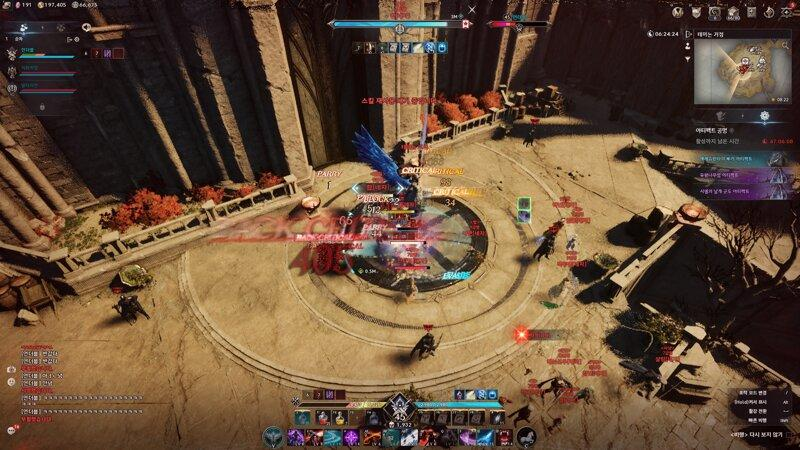
If AION 2 is running badly, don’t immediately download a massive Engine.ini configuration from some random forum.
There are plenty of custom configuration files floating around, but the standard graphics menu gives you enough control to fix many of the most common performance problems.
Start here, in this order:
- Lower Shadow Quality.
- Reduce Global Illumination/Shading.
- Reduce Other Player Effects.
- Enable Same Appearance for Other Players in Abyss.
- Lower Reflection Quality.
- Reduce Foliage and Post-Processing.
- Enable DLSS on Quality.
- Switch DLSS to Balanced if you still need additional FPS.
- Reduce Model Quality.
- Only then lower Resolution Scale.
This approach keeps the biggest visual improvements intact while targeting settings that actually tend to hurt performance.
Don’t Waste FPS on Texture Quality
Texture Quality is one setting you generally shouldn’t rush to lower.
Its performance impact becomes relevant when your GPU runs out of VRAM. If your graphics card still has VRAM available, dropping textures won’t necessarily give you the improvement you’re looking for.
There’s another important part of testing performance: test the game where it actually gets heavy.
An empty field isn’t useful for judging MMO performance. Seeing 170 FPS while standing alone tells you very little about what will happen when you’re surrounded by players and effects.
Test in places such as:
- Busy cities
- Dungeons
- Large PvP encounters
- Abyss fights
Those situations give you a much better idea of whether your settings can handle AION 2 when the game is actually working hard.
AION 2 System Requirements
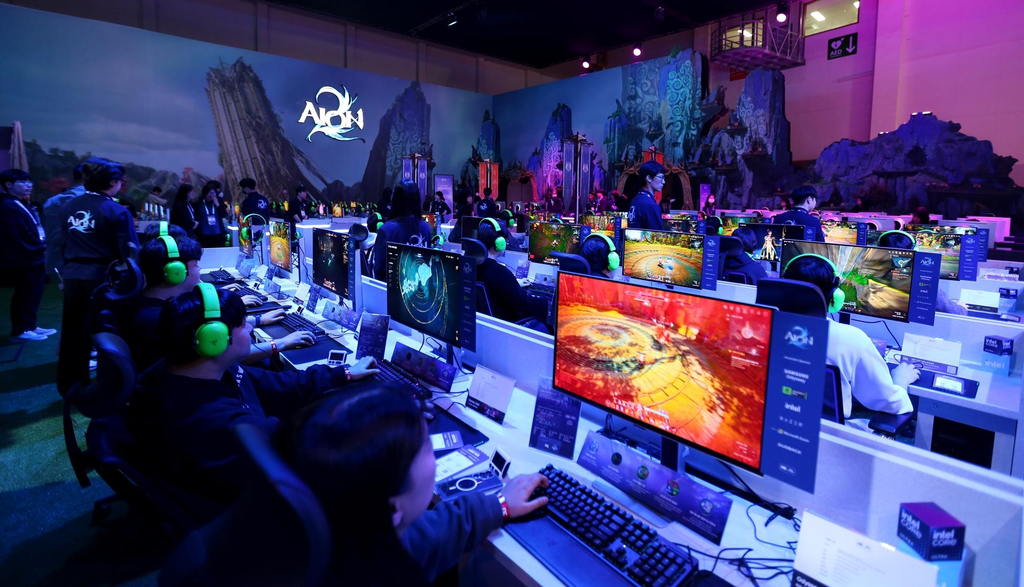
The current Global PC requirements list the following hardware:
| Component | Minimum | Recommended |
|---|---|---|
| OS | Windows 10/11 64-bit | Windows 10/11 64-bit |
| CPU | Ryzen 5 2600 / i5-10500 | Ryzen 7 3700X / i7-11700 |
| RAM | 8 GB | 16 GB |
| GPU | GTX 1050 Ti 4 GB | RTX 2070 8 GB |
| DirectX | DX12 | DX12 |
| Storage | 100 GB | 100 GB |
| SSD | Recommended | Recommended |
| 1080p Preset | Very Low | Low |
The interesting part isn’t just the hardware itself. Even the recommended configuration, which includes an RTX 2070 with 8 GB of VRAM, is paired with a Low 1080p preset.
That’s a fairly conservative target for an MMO, especially one that has to deal with crowded areas and large-scale battles.
If your PC is above the recommended specifications, there’s plenty of room to push individual settings higher. Just don’t assume that every option deserves the same treatment. Keep textures high when VRAM allows it, protect view distance and battle visibility, and spend your performance budget on the settings that actually hit your frame rate.
For AION 2, stable performance matters more than having every graphical slider maxed out. A slightly less shiny game that holds its FPS during an Abyss battle is a much better deal than a beautiful screenshot followed by a slideshow when 50 players show up.